Move
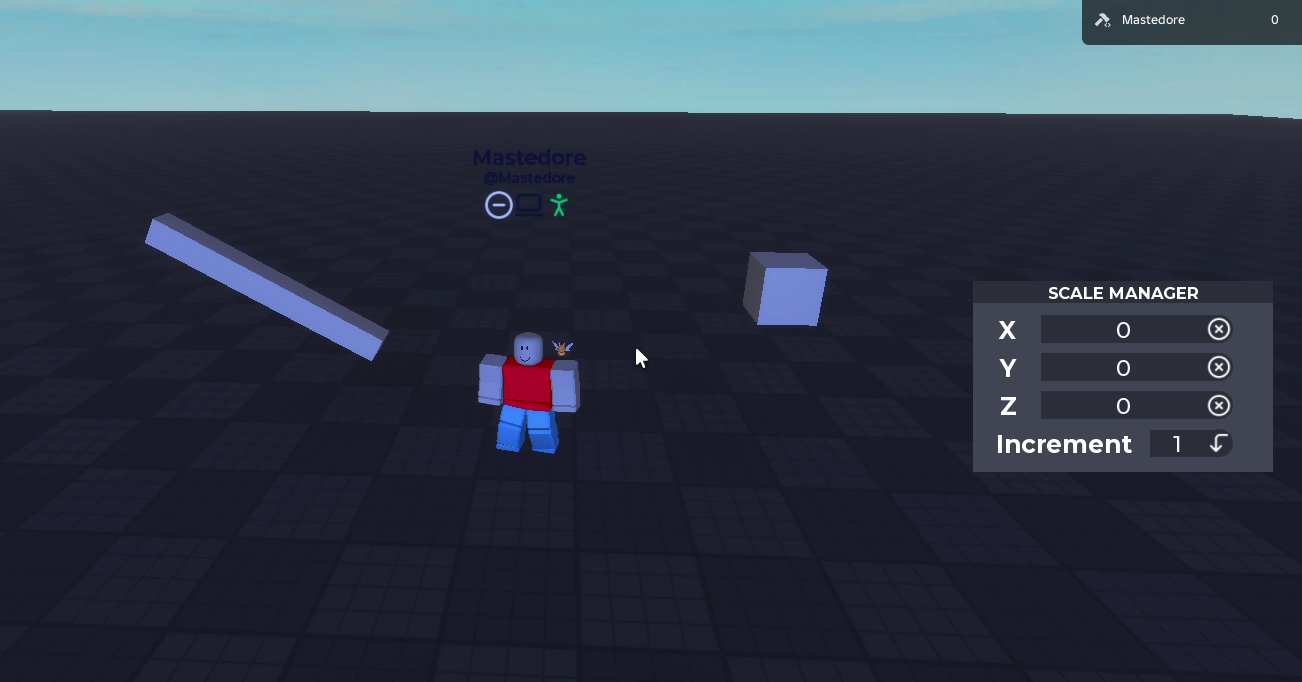
The move tool (X) slides blocks around without picking them up.
How it works
- Select a block and six arrows appear, one per face, pointing along the block’s own axes.
- Drag an arrow to slide the block that way, in steps of the increment you choose, up to 255 studs.
- A rotated wall slides along itself, not along the world’s axes.
- The Move Manager window shows the block’s position, and you can type a new one.
Under the hood
All of the moving is one line of code that works from where the block was when you pressed the mouse. Why rounding up makes the block jump forward the moment you touch an arrow, and a bug that sent rotated blocks somewhere else when you typed a position, are in the portfolio version.