Rotate
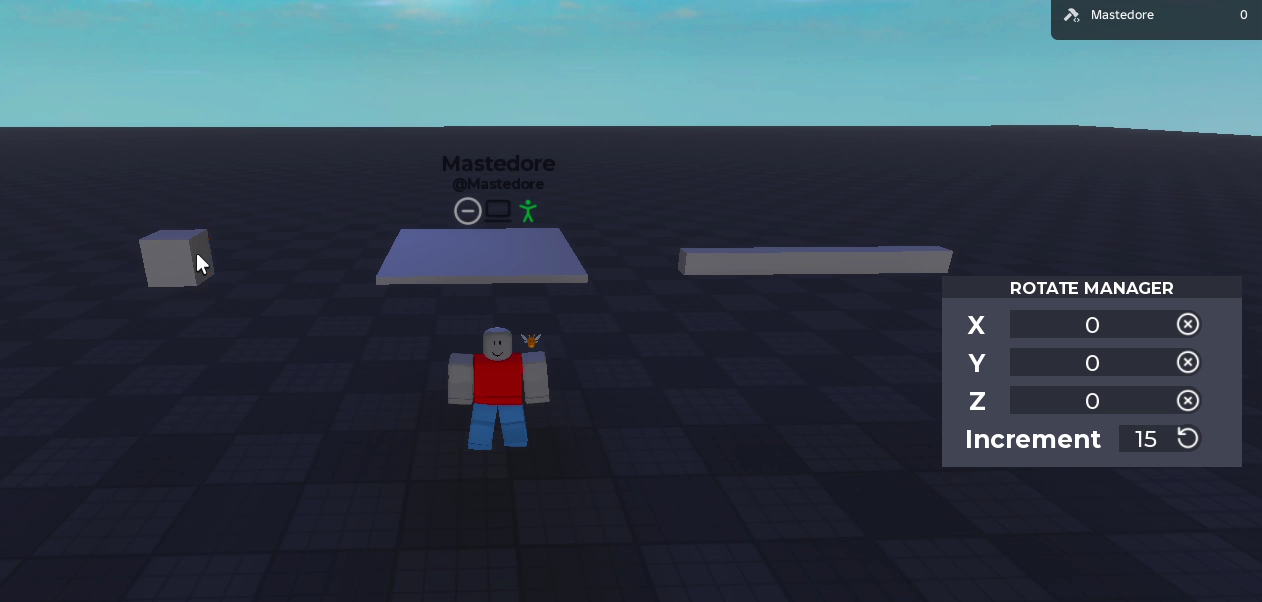
The rotate tool (C) turns blocks in place. In its script I left a comment that says “this rotation system was too complex for me to do, #stackoverflow4ever”.
How it works
- Select a block and three rings appear around it, one per axis of the block.
- Drag a ring to turn the block around that axis. It snaps to 15 degrees, or to any increment up to 360 that you type.
- The block turns around its centre and doesn’t move.
- The Rotate Manager window shows the X, Y and Z angles, and you can type them too.
Under the hood
The order in which two rotations are multiplied decides whether the block turns around its own axes or around the world’s, and it’s also why only three numbers have to reach the server. The three angle fields turned out to be three different kinds of rotation, and the portfolio version explains why.